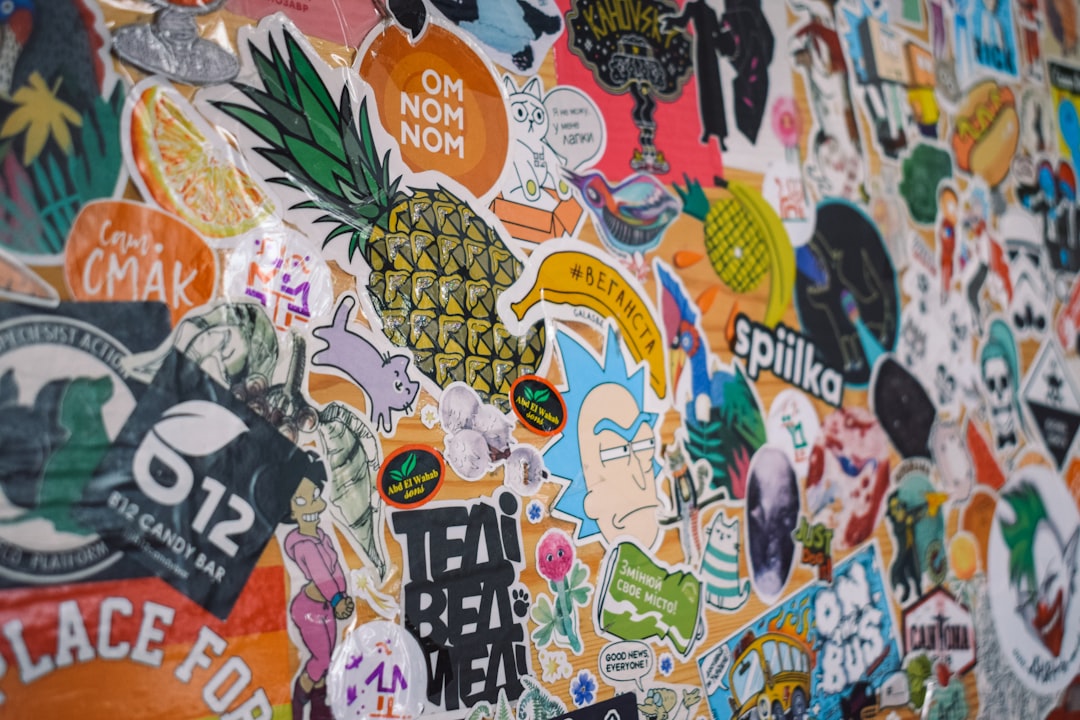
Running a small business with homemade products means labels have to do more than just stick. They have to communicate quality and fit just right on your packaging. Take someone prepping for a market with jars of jam and sauces. They face a maze of label sizes and shapes. It’s easy to get lost or waste sheets printing wrong layouts. That’s where template software steps in, offering a way to design labels that match standard A4 sticker sheets without guesswork.
LabelsOnSheets offers free template tools that cater to different label shapes, square, round, oval, and sizes. This software helps line up each label perfectly on A4 sheets, cutting down on wasted ink and paper. It’s built for users who want quick results without wrestling with complex graphic design programs. One practical tip is to always print a test page on plain paper before using your sticker sheets to check alignment.
Microsoft Word also works well for label creation if you’re comfortable with it. It has built-in label templates that cover a variety of formats. You pick the layout, add your text or logo, and print directly onto your sticker sheets. It’s especially handy if you update product info regularly since you can save the document and tweak it anytime without starting over. Just be mindful that Word’s layout can shift slightly between versions, so double-check before batch printing.
For those who want more control, professional graphic design tools like CorelDraw or Adobe Illustrator allow for detailed customization. These programs let you create high-resolution designs with custom fonts and graphics. Imagine a craft brewery designing labels with unique illustrations and textured effects; these tools handle that level of detail well. However, they come with a steeper learning curve and require careful setup to ensure print dimensions match your sticker sheets.
Knowing your label materials is as important as the design. Waterproof labels are a must for products exposed to moisture, like bath items or refrigerated foods. Choosing between glossy and matte finishes affects not only appearance but also how the label holds up over time. Glossy finishes tend to resist dirt better but can glare under strong light, while matte finishes reduce reflection but might attract fingerprints. Testing samples under your typical lighting can prevent surprises after printing.
Shapes beyond the usual rectangles and circles can make your products stand out. Custom-shaped templates let you experiment without ordering large print runs upfront. Businesses often try different layouts and sizes to find what fits best on their packaging or catches customer eyes at a market stall. Keeping digital files organized by product line saves time when you need to reorder or adjust designs.
For specific needs, explore a4 blank stickers that match various templates and finishes. And if you want an overview of options or need straightforward guidance on sticker labels, visit . Checking these resources before you start can prevent wasted materials and last-minute headaches.
Clear, well-aligned labels do more than package products; they build trust with customers. Whether selling locally or shipping nationwide, consistent labeling shows attention to detail and professionalism. Taking time to pick the right template, material, and printing method pays off in fewer mistakes and better brand presentation.