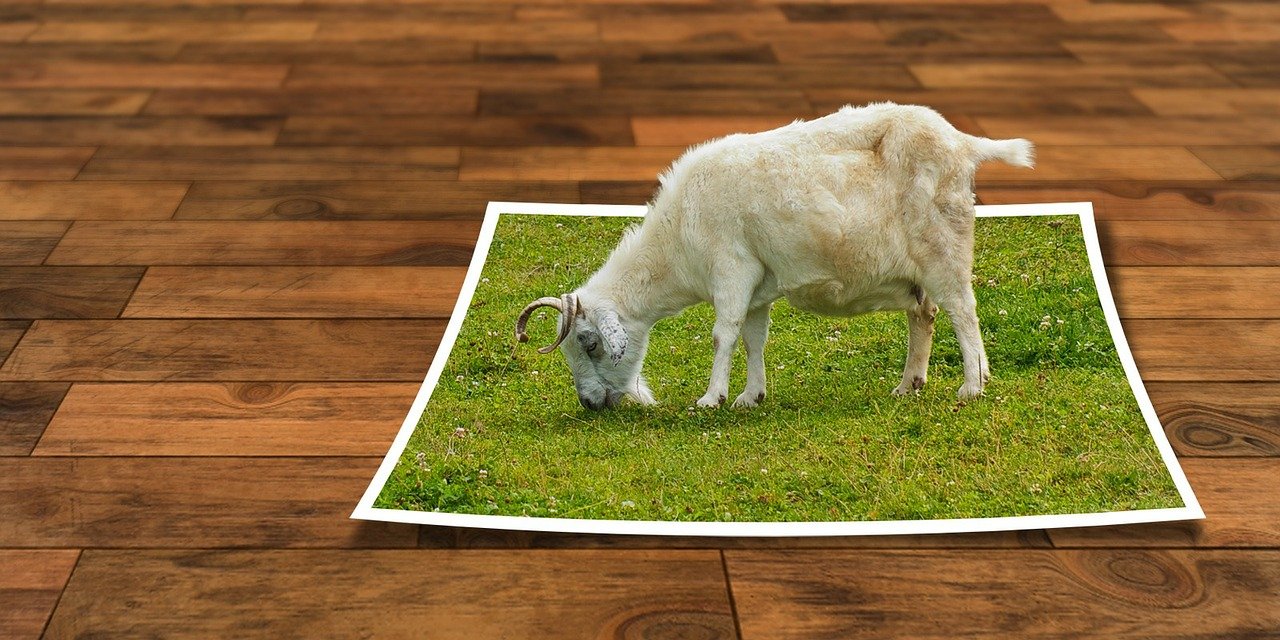
A Photoshop composite is created using multiple images. Images on separate layers are combined together to create the final image. Some of these layers may have their own special effects. You may have used drop shadows or frames. The images will be merged into a single one. You can create a panorama by merging several images. Create a collage or composite quickly. Learn how to complete this compositing process. The end result is something that does not exist in reality. You can place someone in a scene where the person was not present.
It is possible to put a person or object on a different background image. To make a composite of two different images, first separate the subject from the first image. Use masking and maintain a soft edge around the subject. It will help include the hair and other fine objects clearly while the soft edges will prevent sharp and abrupt separation from the background. You can add different types of effects. Increase or decrease the size of the subject image. Your final image will now look seamless and a believable composite.