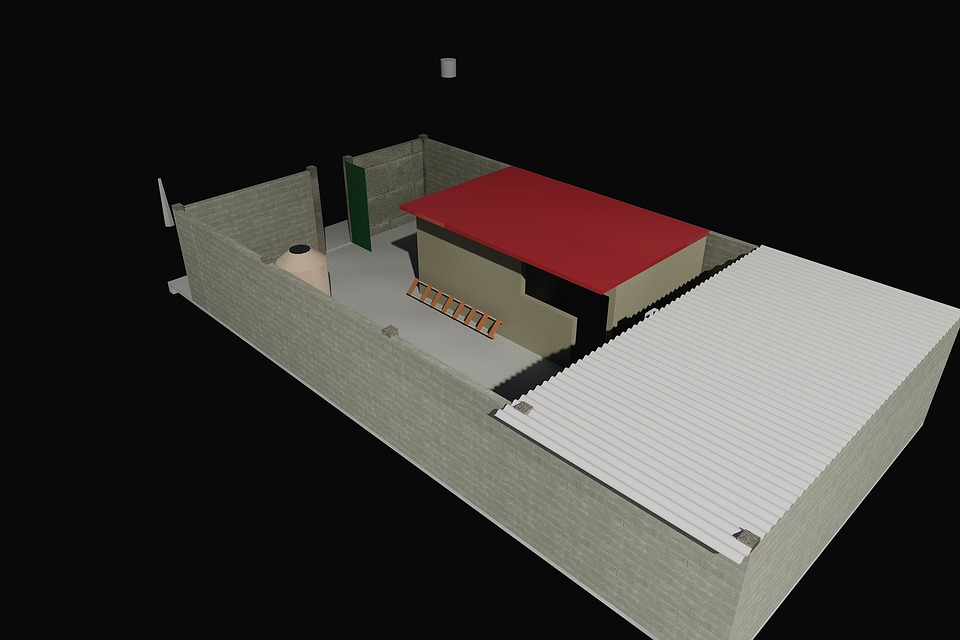
AutoCAD is a program that allows you to create 2D and 3D designs. It can be used for various purposes, including engineering and architecture. It is a popular program, but it can be expensive to purchase the software outright. In this article, we will discuss three ways to get started with AutoCAD online for free!
AutoCAD online is a great way to get started with the program without making a large investment. There are a few different ways that you can access it online. One way is to use the AutoCAD web app. The web app allows you to create, edit, and view drawings in your browser.
Another way to access it is through the AutoCAD 360 app. This app allows you to view, edit, and share AutoCAD drawings on your mobile device.
Finally, you can also use the Autodesk A360 Viewer to view AutoCAD drawings in your browser.
So there you have it! Three ways that you can get started with AutoCAD online for free. AutoCAD is a great program to use for various purposes, and these three methods will help you get started without having to make a large investment.